
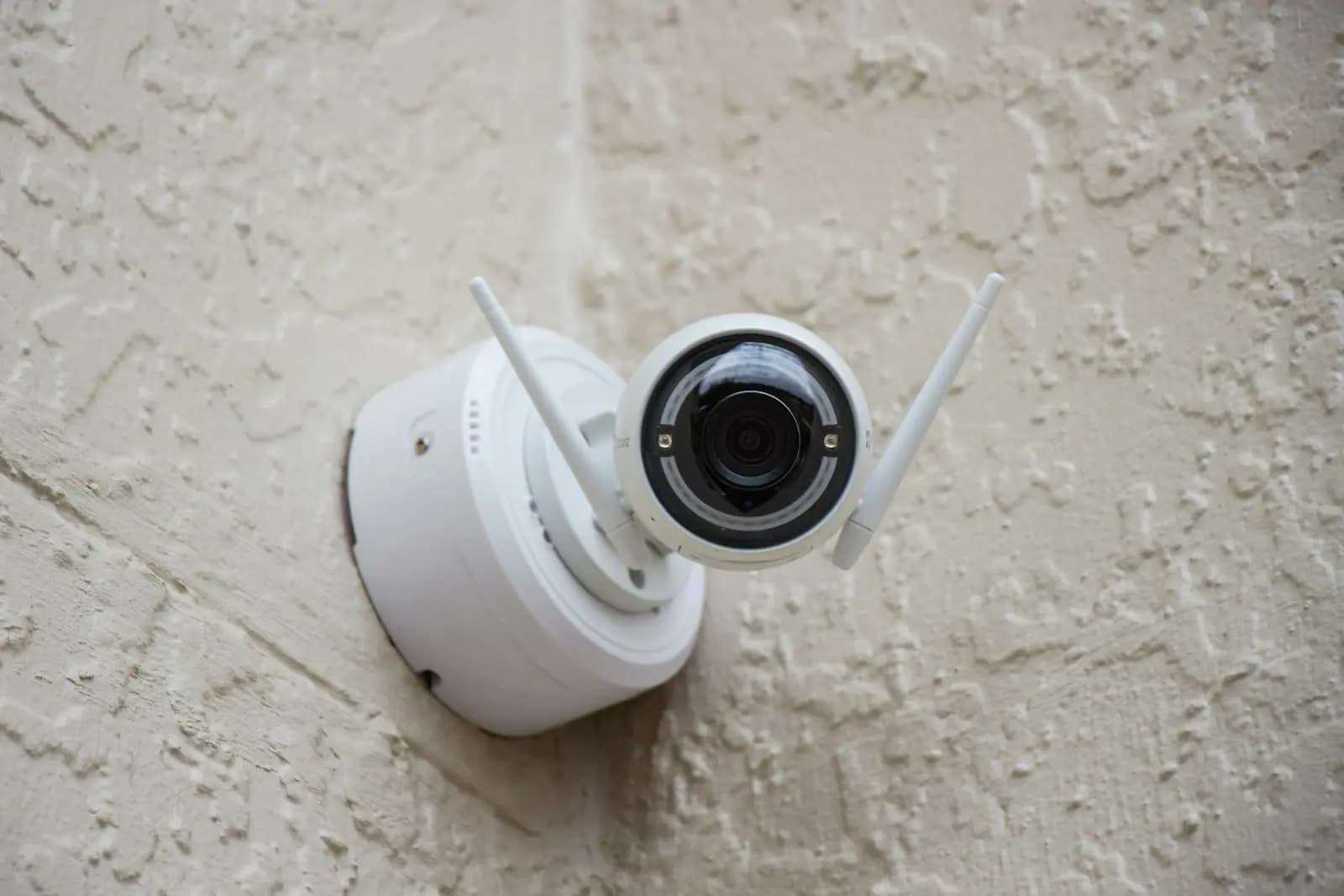
The core answer
A company can use a face scanner, fingerprint reader or GPS tracking on employees in some cases. But the first question is not "how do we get employees to sign a consent form". The first question is what problem the company wants to solve, how much data is really needed, whether a lighter method exists, who can see the data and how long it is kept.
There are two reasons not to start from consent alone. First, section 26 of the Personal Data Protection Act B.E. 2562 (PDPA) treats biometric data as sensitive data that may not be collected without explicit consent, unless a statutory exception applies. Second, section 19 requires the controller to give utmost consideration to the freedom of the person consenting, and forbids making consent to unnecessary data a condition of a contract. An employee asked by an employer rarely feels able to say no, so a form signed out of fear is a weak foundation.
The safer order is: purpose, necessity, alternatives, limiting access, retention period and notice to employees. Only then decide which legal basis supports the system. If the company relies on consent, there must be a real alternative for employees who do not consent.
This guide builds on the PDPA and employee data in HR, which covers employee data generally. This one focuses on biometric devices and location tracking. Information as of 21 November 2026. PDPC announcements and guidance may change, so check the PDPC website before deciding.
Who this guide is for
| Stage | Where to start |
|---|---|
| Setting policy before anything happens (about to buy or switch on a device) | Sections 1-5 and 9, then the pre-installation checklist |
| A problem with one employee (refuses to scan, wrong data, data request) | Sections 6 and 7 |
| A complaint or dispute already exists (employee complains, or scan/GPS data used for discipline) | Sections 7 and 8 |
1. How do the PDPA treat face scans, fingerprints and GPS differently?
All three are personal data of the employee, but the risk differs.
| Tool | Data created | Typical risk | Watch points |
|---|---|---|---|
| Fingerprint scan | Fingerprint template and in/out times | High: biometric data cannot be changed | If leaked, the employee cannot get a new finger |
| Face scan | Face template, photos, times | High, and may capture bystanders | Raw images or templates only? Sent to the cloud? |
| GPS in company vehicles or devices | Location, route, speed, time | Medium to high, depending on when tracking runs | Outside work hours; vehicles taken home |
| GPS in a personal phone or time app | The employee's own location | High: reaches private life | Always on, or only when the employee taps check-in |
Biometric data is named in the section 26 list of sensitive data. Location is not on that list, but it is still personal data that needs a lawful basis under section 24 and notice under section 23, and it must still pass necessity and proportionality. Whether a template stored by the device counts as biometric data, and what to do if only converted values are stored, should be checked against the latest PDPC announcements and with the vendor, who can say what is actually stored.
2. What is the purpose: what problem does the company want to solve?
Write down a narrow, checkable reason before buying the device, for example:
- stopping buddy punching in a factory with several hundred staff
- controlling entry to a drug store, server room or high-value warehouse
- protecting delivery drivers or routing a sales team
- confirming that field staff are at the site they report
Broad reasons such as "to manage staff efficiently" or "in case we need it later" do not work, and employees cannot tell what their data is used for. Section 23 requires the purpose to be notified before or at collection. If the company later wants to reuse the data, for example for performance reviews, decide and notify that at the start.
Check questions:
- Is the problem real? Are there figures or past incidents?
- Does it apply to all staff or only certain roles and areas?
- Would the problem remain if biometrics or GPS were not used?
3. How necessary is it, and is there a lighter option?
Collect only what is needed for the purpose. The table shows a way of thinking, not a statutory sequence.
| Problem | Lighter methods to compare | When a heavier method may be justified |
|---|---|---|
| Buddy punching | ID card plus personal PIN, CCTV at the clock point, spot checks | Evidence that lighter methods are repeatedly bypassed and the loss is high |
| Controlling restricted areas | Key card, card plus password | High-value storage or sector rules |
| Field staff reporting | Job sheets, site photos, one-off check-ins in an app | Location must be verified for safety |
| Vehicles and drivers | GPS on the vehicle only while on a job | Valuable cargo or risky routes |
If a lighter option solves the problem about as well, choosing the heavier one is hard to explain when a complaint arrives. Biometric devices also carry data-security costs for their whole life.
4. Legal basis: why not start from consent alone?
The order of thinking under the statute is as follows (checked against the text of the PDPA B.E. 2562).
- Section 24 (ordinary personal data such as GPS location) allows collection without consent when a basis applies, for example necessity to perform a contract, a legitimate interest of the controller unless overridden by the data subject's fundamental rights, or compliance with law.
- Section 26 (biometric data) starts from explicit consent, with narrow exceptions such as protecting life, body or health of a person unable to consent, establishing or defending legal claims, and compliance with law for certain purposes. Routine time recording does not normally fit these, so take advice case by case.
- Section 19 sets the conditions for valid consent: explicit, in writing or electronic, stating the purpose, separate from other text, easy to understand, with utmost consideration to freedom of choice, and not a condition for unnecessary data under a contract. It can be withdrawn at any time as easily as it was given, and a non-compliant request does not bind the data subject.
In practice, if the company relies on consent for biometrics it must have another way to record time for employees who refuse or later withdraw, and must not treat refusal as automatic misconduct. With no alternative at all, consent may be seen as not freely given. All of this depends on the facts, which is why purpose and alternatives come before any form.
5. Who can access the data?
The common problem is not the device but how many people can open the data.
- Name the people with access, for example one or two HR staff and the system administrator, not every department head.
- Separate the right to view attendance reports from the right to reach biometric templates, which only real administrators need.
- Use individual accounts, not shared passwords, so access can be traced.
- If an outside party (device maker, cloud or GPS provider) holds or accesses the data, sign a data processing agreement and check where the servers are. If abroad, see sending employee and customer data to a foreign parent company and the PDPC model contract.
- Keep access logs and review permissions when HR or administrators change.
6. GPS: how far can tracking go?
Employers often think "it is a company car, so I can watch however I like". But the location of a vehicle driven by one person shows where that person is and when, so it is the employee's personal data.
Ways to reduce risk:
- Tie it to the job. Track only during work or job-sheet trips. Outside work, turn tracking off or give the driver an off switch.
- Vehicles taken home. State clearly whether tracking continues. If it does, give a specific reason such as theft protection and tell the employee in advance.
- Personal phones. Avoid always-on tracking apps on private devices. If location must be confirmed, use a check-in the employee taps.
- Level of detail. If knowing that the employee reached the site is enough, do not store the route every minute.
- Use in appraisals. If location data may be used for performance or discipline, say so in the notice from the start and let the employee explain when data is inaccurate.
For remote work and personal devices (BYOD), see how limited monitoring is handled in the work-from-home agreement guide.
7. What must the employee notice say, and what if an employee refuses?
Section 23 requires notice before or at collection covering at least the following.
| What to tell | Example for a scanner or GPS |
|---|---|
| Purpose | Time recording / warehouse access / transport safety |
| Data collected and retention period | Fingerprint template kept until employment ends, then deleted / GPS kept as defined |
| Effect of not giving data | If the scanner is not used, which other way to record time |
| Who may receive the data | Device vendor, cloud provider, parent company |
| Controller's contact details | HR or PDPA contact |
| Data subject rights | Access, copy, objection, erasure, withdrawal of consent |
When an employee refuses to scan or withdraws consent:
- Offer another way to record time (card, PIN or app) and record that it was offered
- Delete that employee's biometric template and keep proof of deletion
- Do not treat the refusal as grounds for dismissal or punishment without advice, as it can raise both PDPA and labor issues. See employee dismissal rights
- If a time entry looks abnormal, cross-check with other evidence such as camera footage or work logs before concluding
8. Can scan or GPS data be used for discipline, pay deductions or disputes?
Data from these tools is often usable as evidence, but check the following.
- Does the use match what was notified? If the notice said time recording and the data is later used to investigate other conduct, check whether that exceeds the notified purpose.
- Accuracy. Scanners misread with wet hands or poor light, and GPS drifts indoors or underground. Keep error records and let the employee dispute them.
- Disciplinary process. Scanner data alone should not justify immediate dismissal. Ask the employee and check other evidence. See suspension during a disciplinary investigation.
- Wage deductions. Deductions must follow labor protection law. Take advice before acting and do not let the system deduct automatically from scan data.
- Employee requests. Employees may ask to see or copy their data. Assign a person and a procedure to respond.
Once a dispute exists, keep the data that relates to it as evidence. Do not delete relevant data at once just because the retention period has ended, and do not open the data of a whole department to look for something. See also retaining contracts, emails, chats and employee records.
9. How long should the data be kept and when deleted?
The PDPA sets no fixed number of years for scan or GPS data. Under section 23 the company must tell employees how long it keeps the data or, if that cannot be fixed, the expected period by retention standard. So the company has to decide and write it down.
Practical approach:
- Fingerprint or face templates. Delete when the employee leaves, when switched to another method, and when the system is retired.
- In/out attendance records. A different kind of data that may need to be kept for labor law or wage calculation. Store it apart from biometric templates and check retention of accounting and tax records with the accountant.
- Detailed GPS points. Keep for a short period needed to review incidents, then keep only job summaries.
- Raw face images. If the system stores photos, ask the vendor whether it can be set not to keep raw images.
- After deletion. Record the date and who deleted, and check that backups and the vendor's cloud copies are deleted too.
Hypothetical example: a packaging factory switches from punch cards to fingerprints
(A hypothetical example to explain the concepts. It is not a real case, and the figures are illustrative.)
A hypothetical company has 180 employees. In six months it found 12 cases of buddy punching on the night shift. The manager wants fingerprint readers across the whole plant and a single signed consent form.
HR works through these steps.
- Purpose. Stop buddy punching on the production night shift, not performance reviews or other monitoring.
- Lighter option. Trial a card plus personal PIN and CCTV at the clock point for two months. Buddy punching drops to 2 cases. Management decides not to buy fingerprint readers yet and to revisit if the problem returns.
- If it had not improved. Install readers only for the production night shift, not the whole plant. Store templates on a device in the plant, not in the cloud. Two administrators, and HR sees attendance reports only.
- Employees who do not consent. They keep using card plus PIN, and this is not a disciplinary matter.
- Deletion. Templates are deleted by the end of the month the employee leaves, and the deletion is recorded.
- Notice. A written notice before use, as in section 7.
The example shows the answer may be "no fingerprint readers for now", and that even if the company installs them, the consent form is only one part of the process.
Documents and checklist before using scanners or GPS
Documents to prepare:
- A one-page record of purpose and necessity, with the alternatives tried
- A short risk assessment: what happens if the data leaks or is misused
- A privacy notice for scanning/GPS under section 23
- An explicit consent form separate from the employment contract, if relying on consent, with an easy way to withdraw
- A procedure for employees who do not consent (another way to record time)
- A data processing agreement with the device or cloud/GPS provider
- A list of people with access, and access logs
- A retention period and deletion procedure
- Amended work rules if the system touches discipline on attendance. See work rules every employer must have
- A procedure for employee data requests and a breach response plan
Common misunderstandings
- "Get employees to sign consent and we are done." Not so. Consent under section 19 must be voluntary and withdrawable, and it does not cure collecting more than necessary. Purpose and alternatives still have to be answered.
- "The law requires fingerprint scanning." We have found no general rule requiring every employer to use biometric time clocks. Other recording methods are acceptable. If a company claims a specific law applies, check that law first.
- "It is a company car, so we can track it anywhere, anytime." Not always. Location is the driver's personal data, so it needs a purpose, a notice, and should not go beyond what is necessary.
- "Keep the biometric data forever in case we need it." It should not be kept. Delete when no longer needed and notify the period under section 23.
- "An employee who refuses to scan has committed a disciplinary offence." Not yet clear. Check whether an alternative was offered and what basis the company relies on. Do not punish without advice.
- "The data sits with the system vendor, so it is not our responsibility." The company is still the controller and must choose the vendor, sign an agreement and check security measures.
- "We will act only if someone complains." Waiting makes it harder to fix. Prepare the documents above before going live.
Further reading
- The PDPA and employee data in HR — general legal bases and CCTV
- Work-from-home agreement: hours, expenses, equipment and data — BYOD and monitoring at home
- PDPA compliance checklist
- Suspension during a disciplinary investigation
- Retaining contracts, emails, chats and employee records
Before buying or switching on a face scanner, fingerprint reader or GPS, write down the purpose, try a lighter method, limit who can access the data and how long it is kept, and prepare an alternative for employees who do not consent, instead of starting from a single consent form.
We help check how a system you use or plan to use fits the rules, draft employee notices, consent forms, data processing agreements with providers, and amend work rules to match. We are not a device maker or installer, we do not test the technical security of equipment, and we cannot promise the outcome of any inspection by a government body. Fees depend on the stage of the matter and the work required. Send us your documents first, and we will give you the scope of work and fees in writing before we start. For an initial consultation, call +66 92 254 2045 or send us the details. See also PDPA compliance and HR documents.
This guide is published by Suwanvara Law Firm — a Khon Kaen law firm established in 1986. General information only, not legal advice on a specific matter.
