
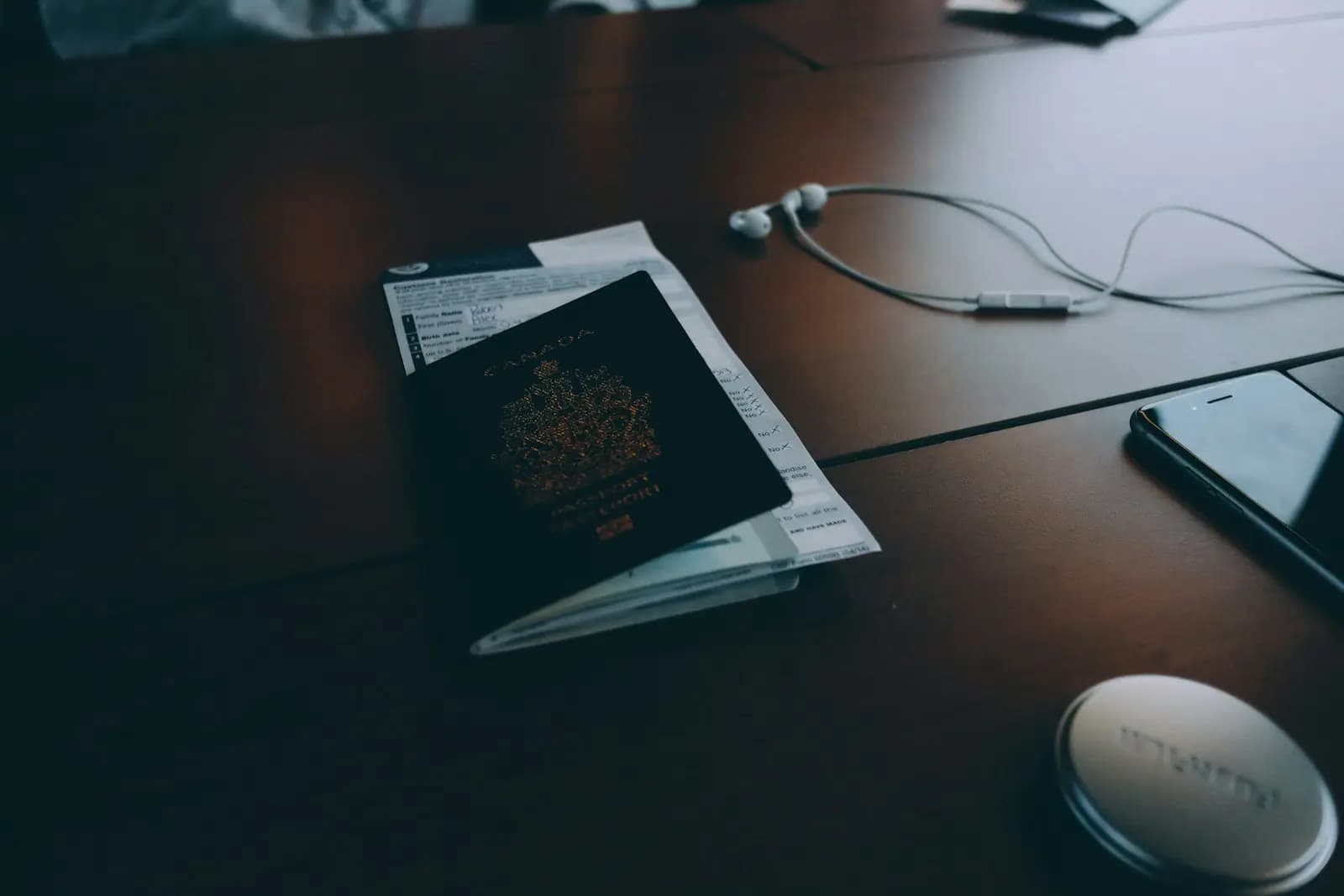
A hotel collects more personal data than many owners realise: names, passport numbers, facial photographs, credit card details, check-in and check-out times, and CCTV footage. Most of it is collected because the law requires it, but the fact that the law requires you to collect data does not mean you may handle it however you like.
Data a hotel must collect by law
Guest register. The hotel law requires the manager to keep a guest register in the prescribed form and to check the guests' identification documents.
Notification of a foreigner's accommodation (TM.30, the immigration form reporting a foreign guest's stay). When a foreign guest checks in, the hotel manager must notify the immigration officer within 24 hours. The notification can now be made through the online system. A fine applies if it is not made on time.
This category of data can be collected under the legal obligation basis and does not require guest consent. But you still must inform guests through a privacy notice, and collect only what the law requires.
Where hotels often go wrong
Sending passport copies in a LINE group. Front-desk staff photograph passports and send them to the manager, a driver or a tour company through a chat app. These images stay on many personal phones and nobody deletes them. This is the most common source of leaks.
Collecting more than necessary. Copying every page of a passport, or keeping a full copy of a Thai guest's ID card. If an ID card copy shows religion, which is sensitive data, cover it before filing the copy.
Keeping data indefinitely. Guest register files and passport scans going back several years, kept on the front-desk computer that anyone can open.
Using data for the wrong purpose. Using emails or phone numbers from the guest register to send promotions. Direct marketing should rely on separate consent.
Credit card data. Writing down card numbers on paper or in a file to charge later.
CCTV
- Cameras in common areas such as the lobby, corridors and car park, for security, can rely on the legitimate interests basis.
- Put up signs at the entrance saying CCTV is in use, with contact details.
- Do not install cameras in guest rooms, bathrooms, changing rooms or spa treatment rooms.
- Set a retention period and limit who can view or retrieve footage.
- When an incident occurs, extract the relevant footage and keep it separately before the system records over it, and keep it until the dispute ends.
Guest requests to see footage. A guest has the right to access their own data. The hotel must act within 30 days. If other people appear in the footage, mask their faces before handing it over.
Requests from the police or an insurer. The police should provide an official written request. For an insurer or the other side's lawyer, first check that there is a legal basis for disclosure, and provide only the relevant period.
Cameras that also capture employees raise an additional issue of workplace monitoring. See PDPA for HR: employee data and CCTV.
Booking systems and outside service providers
Room booking systems, hotel management systems and marketing companies process data on the hotel's behalf. There should be a data processing agreement setting out what the provider may use the data for, how it keeps the data secure, and that it must notify the hotel immediately when data leaks.
When data leaks
- Notify the Personal Data Protection Committee Office within 72 hours of becoming aware of the incident, unless it is unlikely to put individuals' rights at risk.
- If the risk is high, for example if passports or credit cards leak, you must also notify the affected guests, together with remedial measures.
- Record the incident and what you did, even where you have assessed that notification is not required.
A breach of the PDPA carries an administrative fine of up to THB 5 million, and guests who suffer damage can also sue for compensation.
Checklist for hotels
- Prepare a guest privacy notice and display it at the front desk and on the booking page.
- Decide what data to keep from passports and ID cards, and cover data that is not needed.
- Do not send copies of guest documents through personal chat apps, and set up a replacement channel.
- Set retention periods and methods of destruction for both paper documents and files.
- Set up the TM.30 notification so it is filed within 24 hours, including on night shifts.
- Check CCTV camera positions, put up signs, and set a footage retention period.
- Sign data processing agreements with booking system and marketing providers.
- Prepare a procedure for data access requests and for reporting a data leak.
Further reading
- PDPA compliance checklist for businesses
- Guest injury or lost property in a hotel: how far is the owner liable?
- What licences are needed to open a hotel or accommodation business?
📌 See more: Setting up PDPA compliance for businesses · Business law
If you want to check whether your hotel's check-in procedure, booking system and CCTV comply with the PDPA, consult our legal team. We will point out the risks and prepare the documents the hotel needs.
This article is general information and is not legal advice for any specific case.
